more 5-minute tools I built with claude
Five small things I asked Claude to build for better productivity — a Jira client in the terminal, a cron GUI, a menu-bar widget, window management, and the status bar I wanted all along.
Want to share more 5-minute tools I've built with Claude for better productivity.
Tix — jira in the terminal
I hate going to the browser and back just to check current tasks and ticket numbers. Tix opens tickets straight in the terminal, and also has an option to open a new Claude Code session using a skill that explores the ticket, creates a worktree and branch, and proposes an implementation.
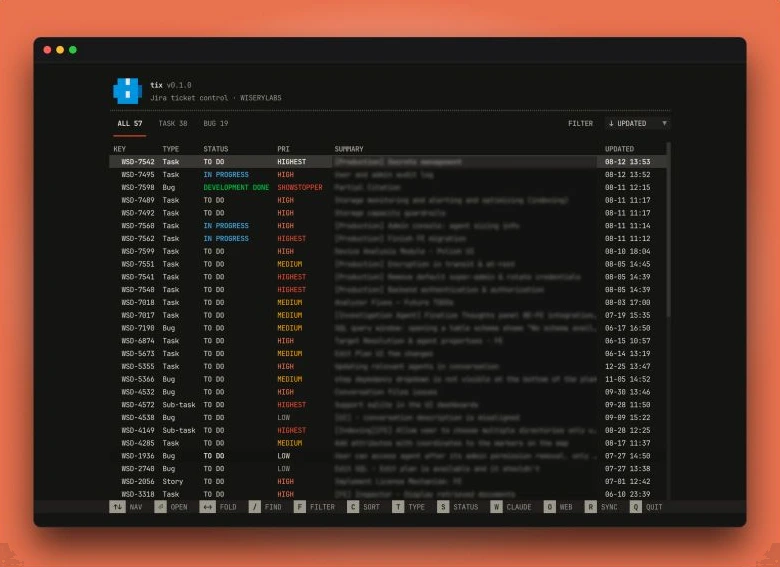
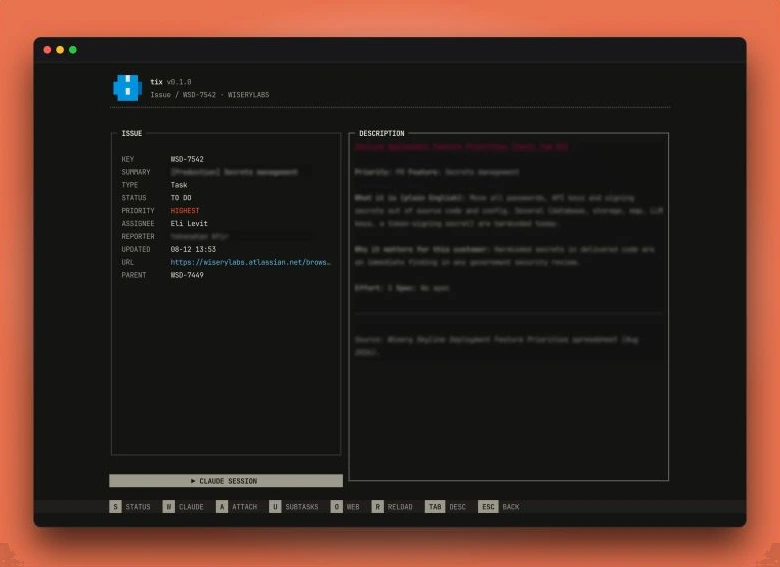
Tick — a gui for cron
A terminal GUI for Mac cron jobs. Claude leaves a lot of orphaned sessions, worktrees and MCPs open, which blow up RAM and storage. I asked it to create cron jobs for cleaning up each of these. Maybe worth separate posts, as it's a common issue and happens in Cursor too.
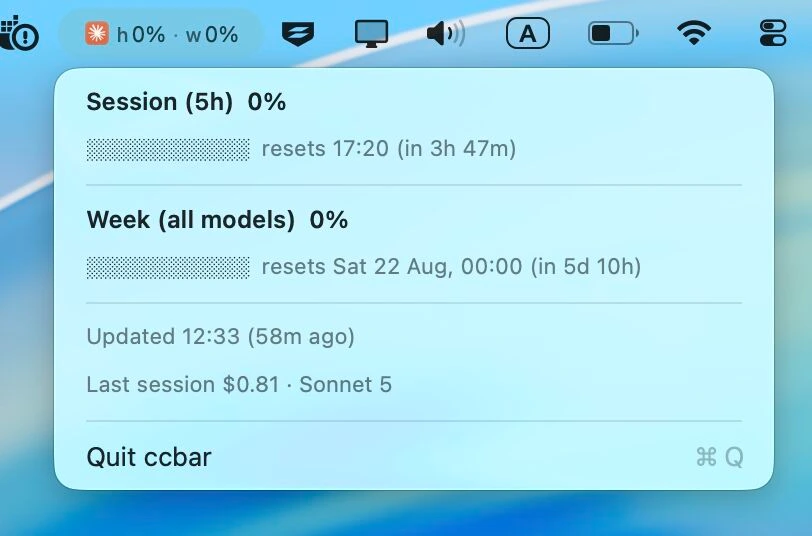
Ccbar — limits in the menu bar
A small widget that shows current Claude limits in the Mac menu bar.
Window management, unsubscribed
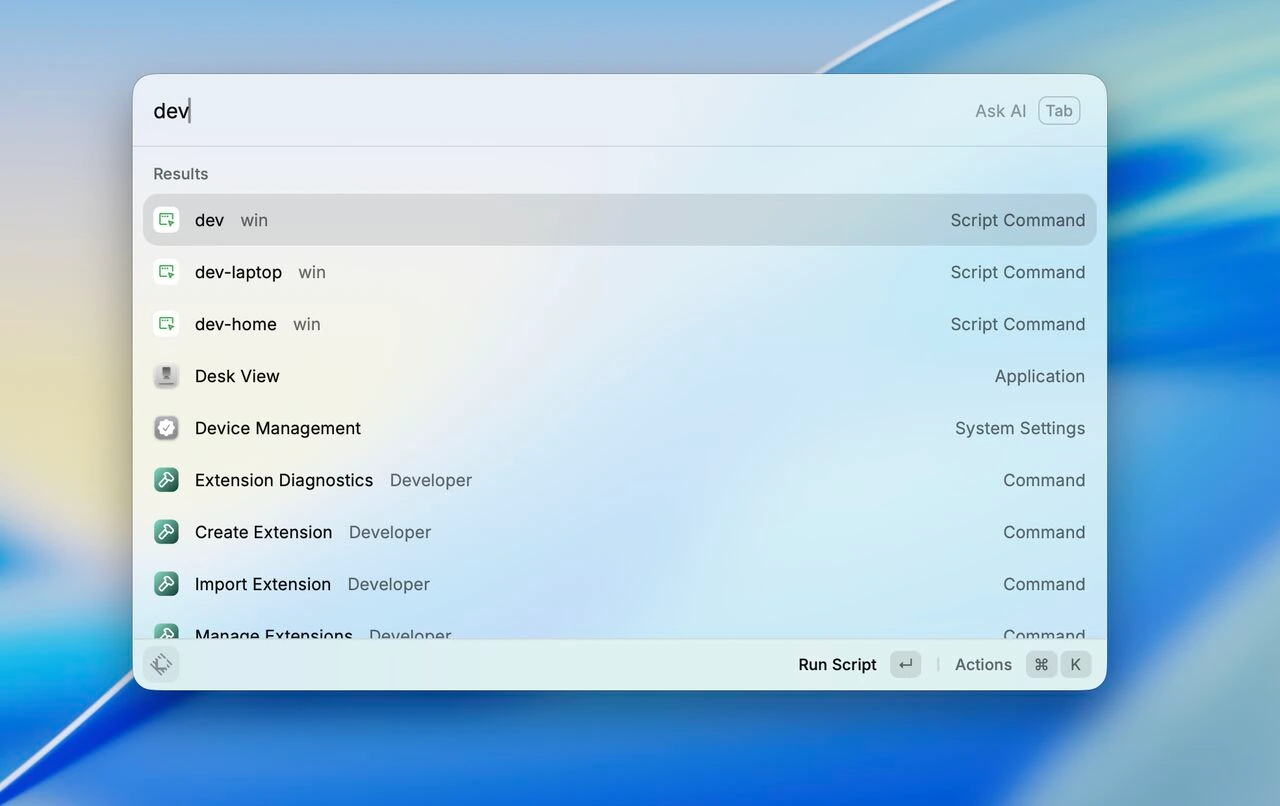
Raycast is a default for me, but I don't want to pay an $8/month subscription for the single feature I need: window management. So I asked Claude to build the same tool — layout presets for different cases, exactly like Raycast does. A dev command aligns all windows exactly as I need for work.
The terminal itself
Small terminal and Claude Code enhancements: displaying metadata in the Claude status bar, like worktree, branch, limits and token consumption. For some reason it's not built in. I just asked Claude to add it and told it what the layout should be, along with a custom iTerm theme.
I don't do any manual configuration on my laptop anymore. I installed good old iTerm2 and told Claude to add all necessary extensions and create a custom theme in Claude style — and it did it perfectly.

The point
It's easier than ever to personalize your laptop and manage system files, and most people don't realize it. Claude is more than just a chat; it can be your full assistant.
Now I even ask it to categorize my personal files and downloads, and remove cache and legacy libraries. You can build whatever you want to make your setup more convenient — without subscribing to tons of small SaaS apps.
Claude is more than just a chat. It can be your full assistant.