 macOS app
shelf — from screen to agent in two keystrokes
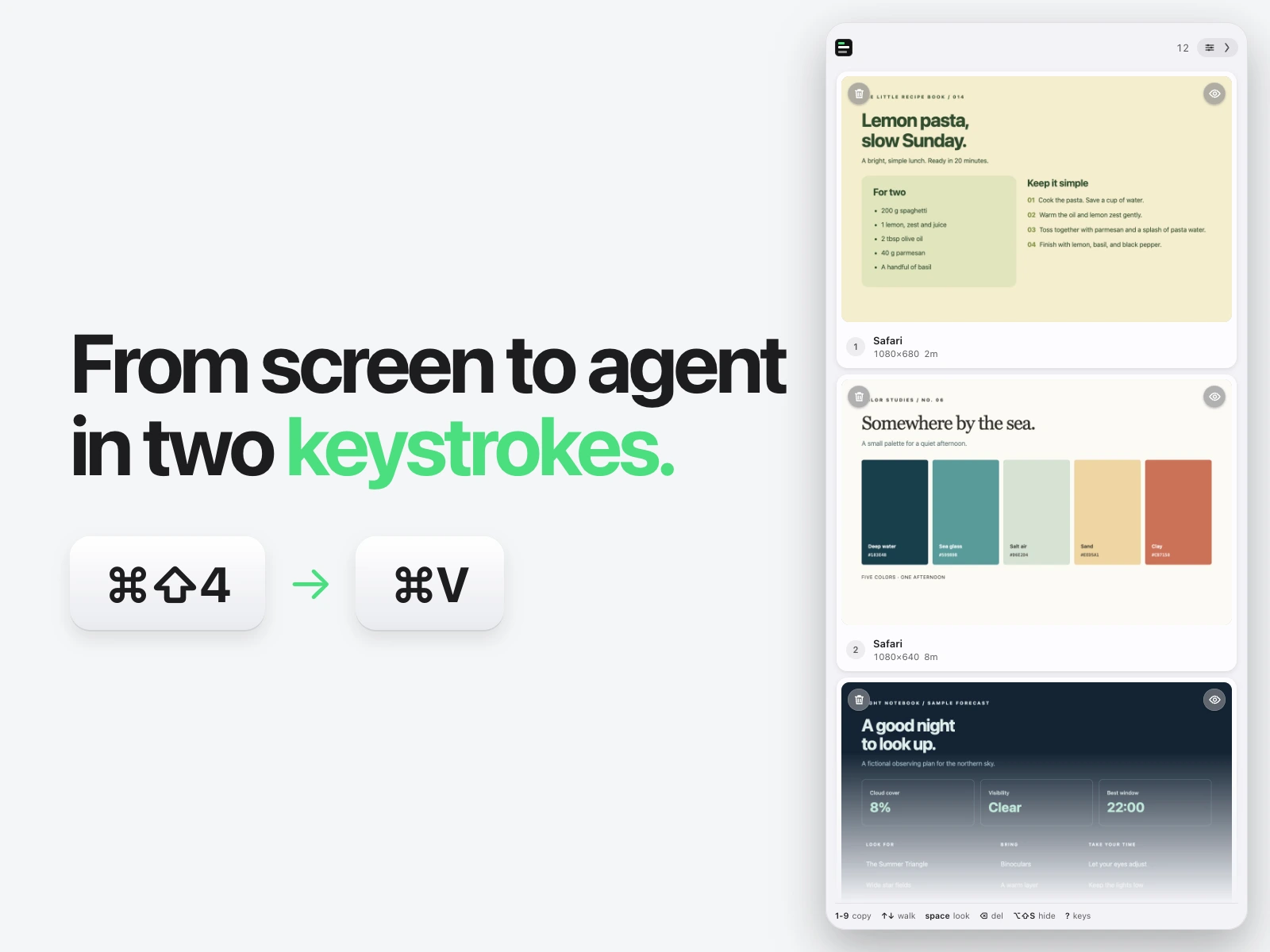
Take a screenshot. Paste it into your agent. Nothing in between. Shelf copies every capture the moment you take it and keeps the ones before it on a shelf, a click from a paste into Claude, Cursor, ChatGPT, Slack, Figma — anywhere.
I hand a lot of screenshots to coding agents — a failing panel, a spacing bug, three states of the same view. macOS holds exactly one at a time: take a second and the first preview is gone, and every one of them is on the Desktop whether I wanted it kept or not. The gap between the shutter and the paste was several clicks, every time.
Shelf copies the screenshot the moment it exists and keeps the ones before it on a shelf. Press ⌘V into the agent or app. Click a card (or 1–9) to copy an older one; ⌘-click a run and ⌘C copies the lot as files. With copy on capture on — the default — it is two keystrokes: capture, then paste.
Around that: Code or macOS look, Cards or Ledger layout, pins for the ones that must stay, and tags to filter a busy afternoon. Built with Claude (and a lot of synthetic-event testing on a real Mac). Available now at shelfit.dev via Lemon Squeezy. Requires macOS 26.
How it catches the shutter
Shelf never captures anything itself, so it asks for no Screen Recording permission. It takes over three keys in the com.apple.screencapture domain while it runs and puts them back when it quits — a crashed run is detected and undone at the next launch.
  shelf — one shutter, and no screen-recording permission

   ⌘⇧3/4/5 ──▶ screencaptureui ──▶ ┌───────────┐
                                   │   inbox   │
                                   └─────┬─────┘
                                         │ FSEvents
                                         ▼
                                   ┌───────────┐
                                   │   shelf   │ ──┬──▶ ~/Screenshots
                                   └───────────┘   │
                                                   └──▶ clipboard ── ⌘V

   while shelf runs   location = inbox · target = file · thumbnail = off
   when it quits      all three restored, crash or not
⌘⇧4 ─▶ screencaptureui
│ file
▼
┌─────────┐
│ inbox │
└────┬────┘
│ FSEvents
▼
┌─────────┐
│ shelf │ ─▶ ~/Screenshots
└────┬────┘
└─▶ clipboard · ⌘VThe part that cost the most time is not in the diagram. screencaptureui picks up a changed location live but caches the thumbnail setting, and until it is restarted the thumbnail is hidden and the capture is still withheld for the window the thumbnail would have been shown in — measured at three to five seconds from shutter to file. Restart it and that drops to 32–156ms. None of this can be tested from a terminal, either: the screencapture CLI ignores the location preference entirely, so only a real key press exercises the path.
Two themes, one app
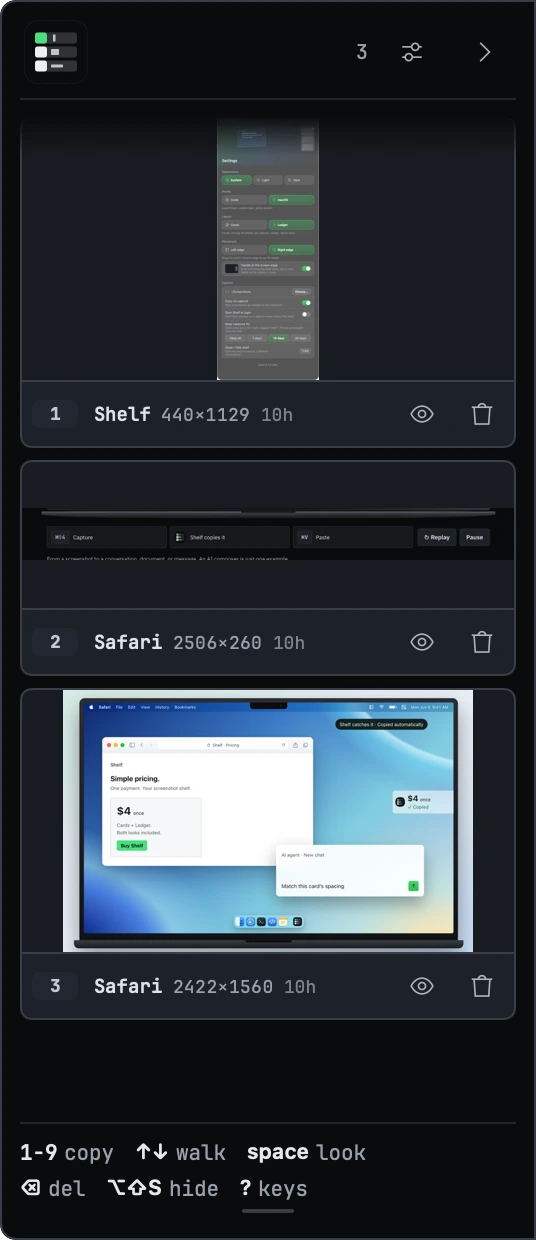
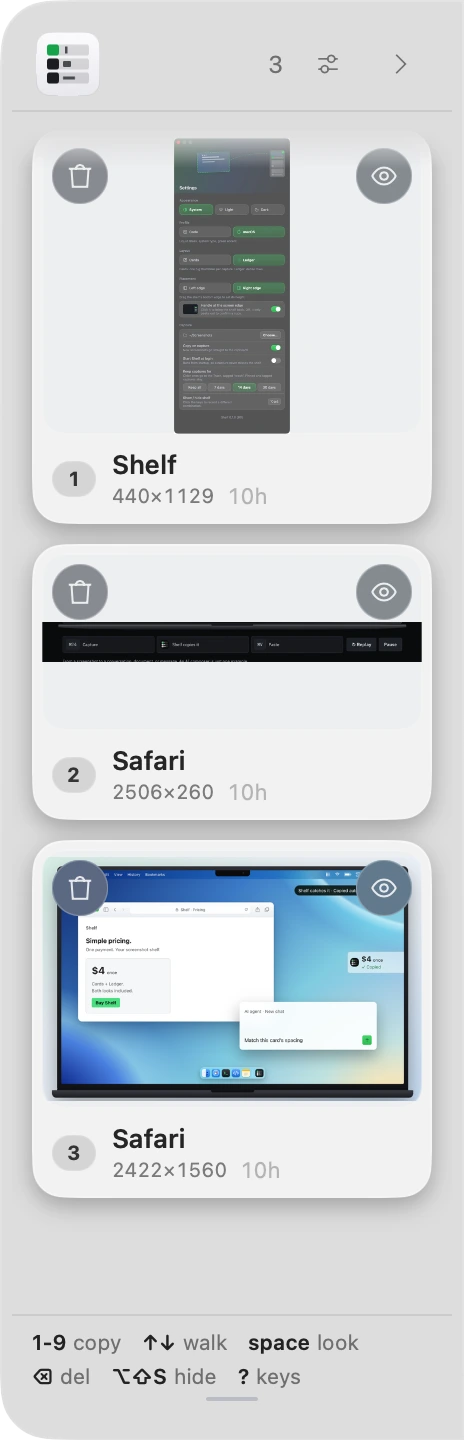
The glass theme is where the window server bit back. A non-opaque window is hit-tested per pixel, and Liquid Glass leaves the backing store at zero alpha — so the gap between two cards was, to the window server, a hole. Once a gap settled under a stationary pointer every scroll event went to the desktop behind the panel and the stack simply stopped moving, intermittently, "after 20–30 items". The fix is a 2% black wash under the glass: invisible, and every pixel hittable.
Most of this app’s real risk is not testable without a screen — so it is tested by driving the running app with synthetic events.